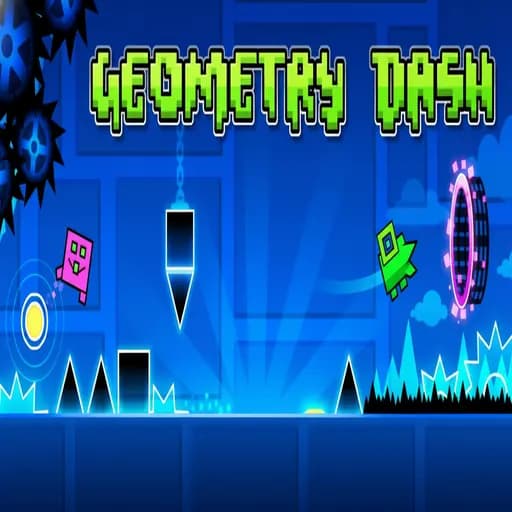
This game is designed for keyboard or mouse and plays best on a computer.
Geometry Dash
Jump, fly, and flip through danger! Master the rhythm in the classic Geometry Dash. Test your skills with near-impossible levels and addictive gameplay.
About Geometry Dash
One button, a square, and a soundtrack that decides when you live or explode. This browser build of the classic rhythm platformer drops you straight into a level with no menus to dig through, so the first spike arrives within seconds. If you have never played a dash game before, this is the page to start on.

Your First Five Minutes
Press Space, the Up Arrow or click to jump; on a phone, tap anywhere. The cube moves forward on its own, so the only decision you ever make is when. Expect to crash in the first few seconds. That is normal: the level is identical on every attempt, so each failure shows you one more obstacle you can now anticipate.
Watch the percentage counter rather than the clock. Going from 12% to 20% is real progress, even if it took twenty tries. Once a section feels automatic, stop thinking about it and let your eyes read ahead to the next one.
What Each Portal Changes
Portals transform your icon, and each form reacts to the same button differently:
| Form | Input | What to watch |
|---|---|---|
| Cube | Tap to jump | Triple spikes need the jump started early |
| Ship | Hold to rise, release to fall | Small, frequent corrections beat long holds |
| Ball | Tap to flip gravity | Each tap swaps floor and ceiling |
| UFO | Tap for a mid-air hop | Rhythm of taps, not strength |
| Wave | Hold up, release down | Travels at a fixed diagonal |
| Robot | Hold longer for higher jumps | Jump height depends on press length |
| Spider | Tap to snap to the other surface | Instant, no arc to correct |
The wave catches most beginners out. Our wave mode guide breaks down its fixed 45-degree movement in detail.
Practice Mode Without Bad Habits
Practice mode lets you drop checkpoints and respawn at the last one. It is the fastest way to learn a hard passage, but it has one trap: you can memorise each piece separately and still fall apart in a full run because you never rehearsed the transitions. Place checkpoints just before a portal rather than after it, so you practise the switch between forms. When you can clear a stretch three times in a row, delete that checkpoint and move on.
Using the Music as a Metronome
Obstacles are placed on the beat, which means the song is a second set of instructions. Turn the volume up and count along during the first few attempts. Many jumps that look ambiguous on screen become obvious when you notice they land on a snare hit or a bass drop. If your timing drifts, read our article on improving timing and reaction time, which includes simple drills you can do between runs.
When You Are Stuck at the Same Spot
- Dying early at one spot: you are probably reacting late. Press slightly before the obstacle reaches you, not when it is under the cube.
- Dying in ship sections: you are holding too long. Try to keep the ship near the middle of the corridor with light taps.
- Dying near the end: this is nerves, not skill. Take a short break; a fresh attempt often clears it.
Where to Go Next
Once the cube and ship feel natural, Geometry World offers a short set of levels with the same feel and a few new tricks, while Geometry Subzero pushes the speed up a notch. New to the genre in general? Our beginner tips for rhythm platformers collects everything above in one checklist.
This site is an independent fan site and is not affiliated with RobTop Games.
Watch It Played
Independent fan site, not affiliated with RobTop Games. About