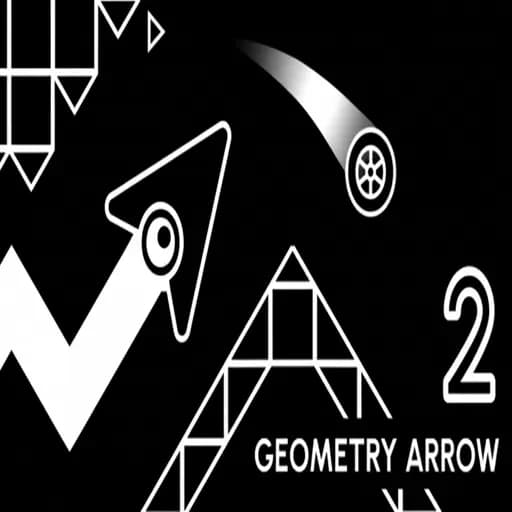
This game is designed for keyboard or mouse and plays best on a computer.
Geometry Arrow 2
Six levels, one tap, one arrow. Geometry Arrow 2 takes the zig-zag idea and makes each tap a direction change: press and the arrow switches between climbing and diving, all while following a corridor timed to music. How the Arrow Moves Unlike a classic wave, where you hold to go up, Geometry Arrow 2 is […]
About Geometry Arrow 2
Six levels, one tap, one arrow. Geometry Arrow 2 takes the zig-zag idea and makes each tap a direction change: press and the arrow switches between climbing and diving, all while following a corridor timed to music.

How the Arrow Moves
Unlike a classic wave, where you hold to go up, Geometry Arrow 2 is built around taps. Click or tap and the arrow swaps direction. On a Chromebook, a trackpad tap works, though a mouse or Space bar is often more precise. Touch either wall of the path and the level restarts.
This one-tap system feels different from holding. You do not keep the button down; you mark each turn. Our Geometry Arrow 2 guide goes deeper into the control feel and level tips.
Level-by-Level Progression
The six levels grow in speed and complexity:
- Early levels teach the timing with wide paths and regular turns.
- Middle levels introduce quicker sequences of turns and tighter corners.
- The final levels combine high speed with irregular patterns, so rhythm and reading must work together.
Clear each level before moving on. The skills stack, and skipping ahead usually means hitting a wall.
Tips Specific to Tap-Turn Games
- Tap on the corner, not after it. The arrow turns instantly, so a late tap leaves you in the wall.
- Count double turns. Two corners close together need two quick taps. Miss the second and you head into the wall.
- Use the music. Turns are placed to fit the track. Humming along improves timing.
- Don’t over-tap. One extra tap reverses your direction. Precision matters more than speed.
Comparison With Wave Games
| Geometry Arrow 2 | Wave games (e.g. Wave 2) | |
|---|---|---|
| Input | Tap to switch | Hold to rise |
| Straight lines | Rapid tap pairs | Micro hold-release |
| Structure | Six fixed levels | Varies by game |
If you enjoy fixed levels with a strict rhythm, Geometry Dash is the next step, mixing several forms rather than one.
Good for Short Sessions
Each level is quick, so Geometry Arrow 2 suits five-minute breaks. Keep sessions short and stop when your taps start to feel random; you will play better next time.
Common Questions
How many levels are there?
Six, increasing in speed and complexity.
Do I need to hold the button?
No. Each tap switches the arrow’s direction; you do not hold.
Can I play it on a phone?
Yes. Tapping the screen works exactly like clicking.
What if I keep dying at the same corner?
You are probably tapping a fraction too late. Try tapping slightly before the corner arrives, and listen for the beat the turn is placed on. Practising that single corner a dozen times usually fixes it. Keep the rest of the level relaxed so you have energy left when you reach the corner again.
Once all six levels are cleared, try them again aiming for a smoother run with no hesitation at the corners. Replaying finished levels with a stricter goal is one of the best ways to build the precision that harder games on the site demand, and it makes your next new game feel far easier from the first attempt.
Independent fan site, not affiliated with RobTop Games. About