This game is designed for keyboard or mouse and plays best on a computer.
Geometry Wave: Neon Challenge
Play Geometry Wave: Neon Challenge online for free! Dodge obstacles, master the rhythm, and survive the neon-filled waves in this fast-paced arcade game.
About Geometry Wave: Neon Challenge
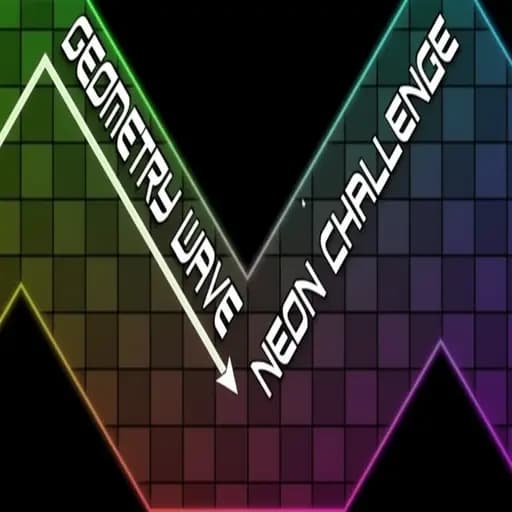
Glowing outlines, a dark backdrop and corridors that pulse with colour: Geometry Wave: Neon Challenge looks like a light show, and it plays like a hard exam in wave control. Several levels, each tighter than the last, ask you to steer a single arrow through them with nothing but a press and a release.

Why the Neon Matters
The visual style is more than decoration. Bright edges against black make the safe path easy to read, but they also make it easy to lose track of your icon when the colours flash. If you find the effects distracting, lower your screen brightness slightly. It makes the contrast less harsh without hiding the edges.
One Input, Two Directions
Press and hold the left mouse button or Space and the wave rises. Let go and it falls. On a phone or tablet, hold and lift your finger. The wave always moves at the same angle, so your entire skill lies in when you switch. Our tap vs hold article explains when to use each.
Strategy, Section by Section
Wide zig-zags
The easiest parts. Follow the corridor with long, smooth holds and use them to settle your breathing.
Narrow straights
Rapid micro-taps keep the wave level. Relax your finger; tension makes taps uneven.
Sudden slope changes
Turn slightly early. The neon edge you see is the boundary; the wave’s tip must stay inside it.
Speed sections
The game raises pace in later levels. Look further ahead and make smaller inputs.
Who Should Play It
Neon Challenge sits in the middle of the wave games on this site. It is harder than Space Waves, but easier to read than the brutal SPAM WAVE CHALLENGE. If you are new to waves, start with our guide to how wave mode works, then come back.
Frequently Asked Questions
Is it endless?
No. The game is split into levels that you complete one after another.
Can I play with a keyboard only?
Yes. Space works the same as the mouse button.
Does it have flashing effects?
The neon visuals change colour and glow. Players sensitive to flashing should take care.
Why does my wave feel delayed?
Usually a slow frame rate or a wireless input device. Close background tabs and try the keyboard.
Practising for the Later Levels
Later levels in Neon Challenge are faster and tighter, but they are built from the same pieces as early ones. The best preparation is to replay early levels with stricter goals: try to stay exactly in the centre of the corridor, or use as few inputs as possible. Both exercises sharpen control in a forgiving environment. When you move on, you will find that the “new” sections are mostly familiar shapes at higher speed. If you start losing focus after many attempts, stop. A short break does more for your next run than ten tired attempts in a row.
Finally, keep your sessions consistent. Playing a little every day builds steadier control than one long weekend session, and the neon levels reward exactly that kind of steady, repeatable precision more than raw speed.
Independent fan site, not affiliated with RobTop Games. About